Create Post
Drop in your clip, write the post once, and choose from the accounts you actually connected.
Nyx takes care of the repetitive part after your video is ready: uploading, choosing destinations, scheduling, publishing, and checking what happened.
Drop in your clip, write the post once, and choose from the accounts you actually connected.
Pick a future time and walk away. The hosted scheduler handles it when the post is due.
See what’s coming up before it goes live.
See what made it out, open the live post, and check the stats the platform makes available.
If something fails, History shows what Nyx heard back instead of leaving you guessing.
Connect TikTok, YouTube, and Instagram, then save the defaults you don’t want to re-enter every time.
Real Nyx Social Autopilot screens from the hosted application. Each image can be opened full-size.
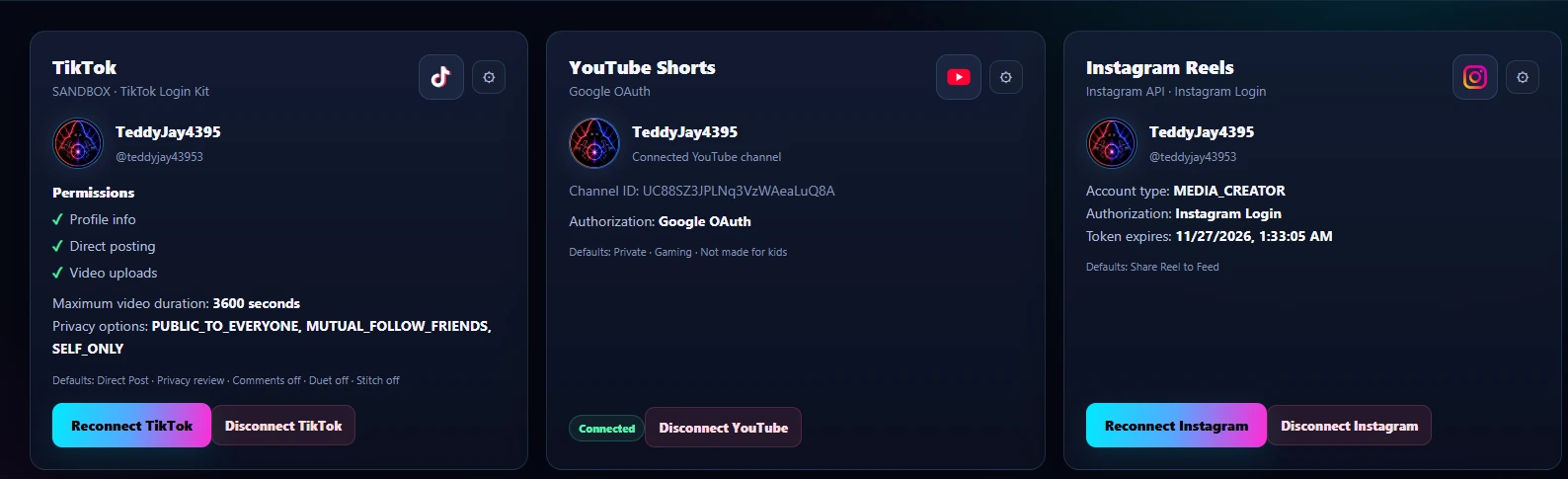
Review connected destinations, account identity, and saved platform defaults from one place.
 Click to enlarge
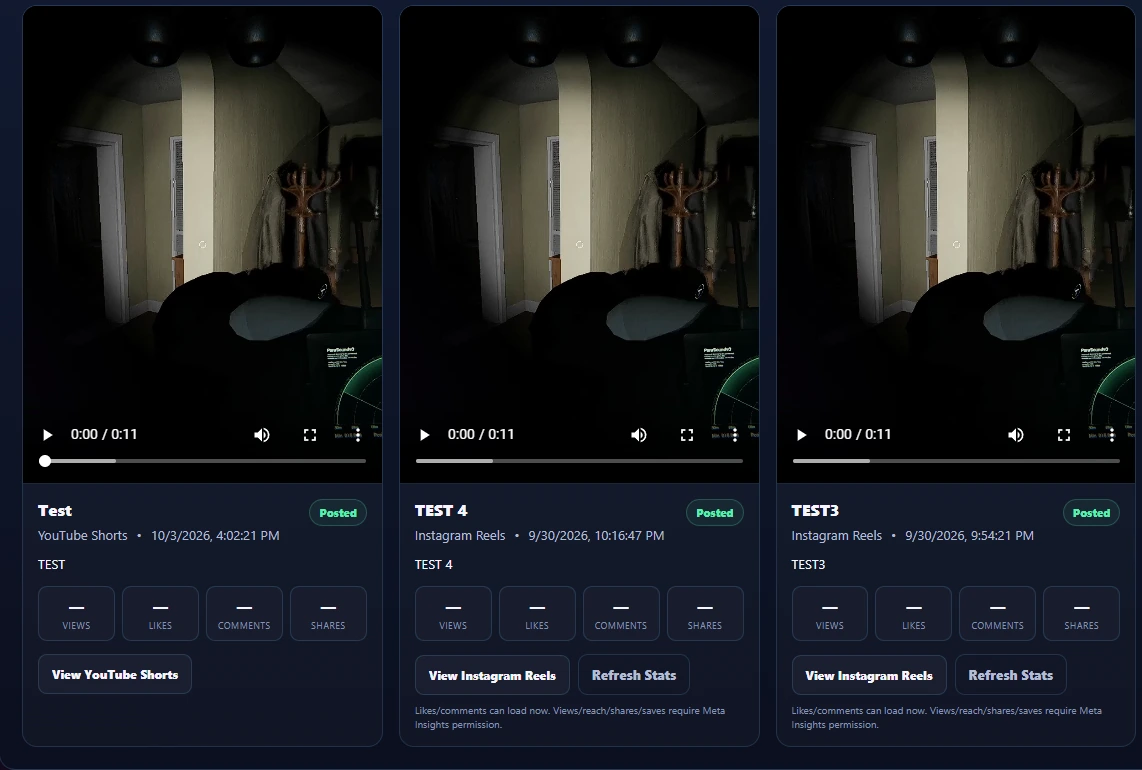
Keep published content, destination links, and the stats made available by the connected platform together.
 Click to enlarge
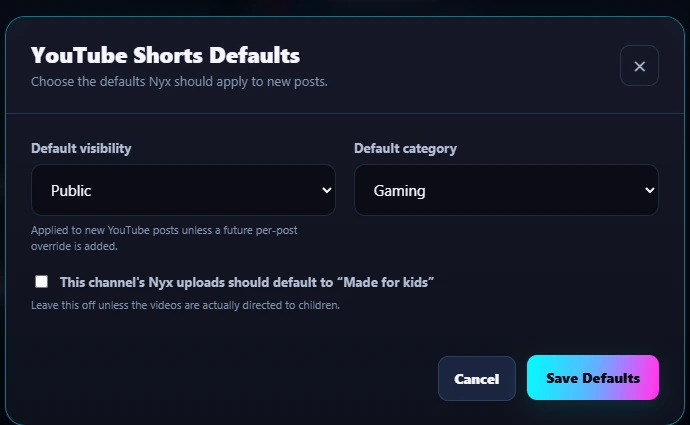
Set supported recurring options such as YouTube visibility and category without crowding Create Post.
 Click to enlarge
Review completed attempts without digging through logs or guessing what the platform returned.
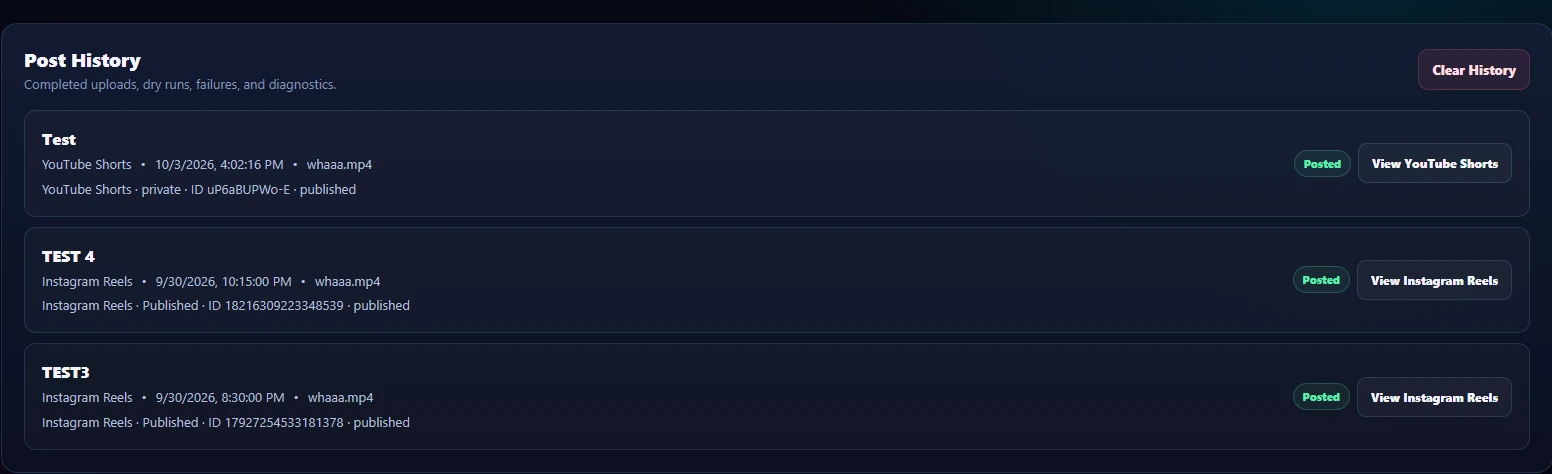 Click to enlarge
The Getting Started guide explains the normal flow from account connection to published post.